How AI Agents Work: Tools, Memory, and Planning Explained
A clear, practical breakdown of how AI agents use tools, memory, and planning loops to complete multi-step tasks autonomously.
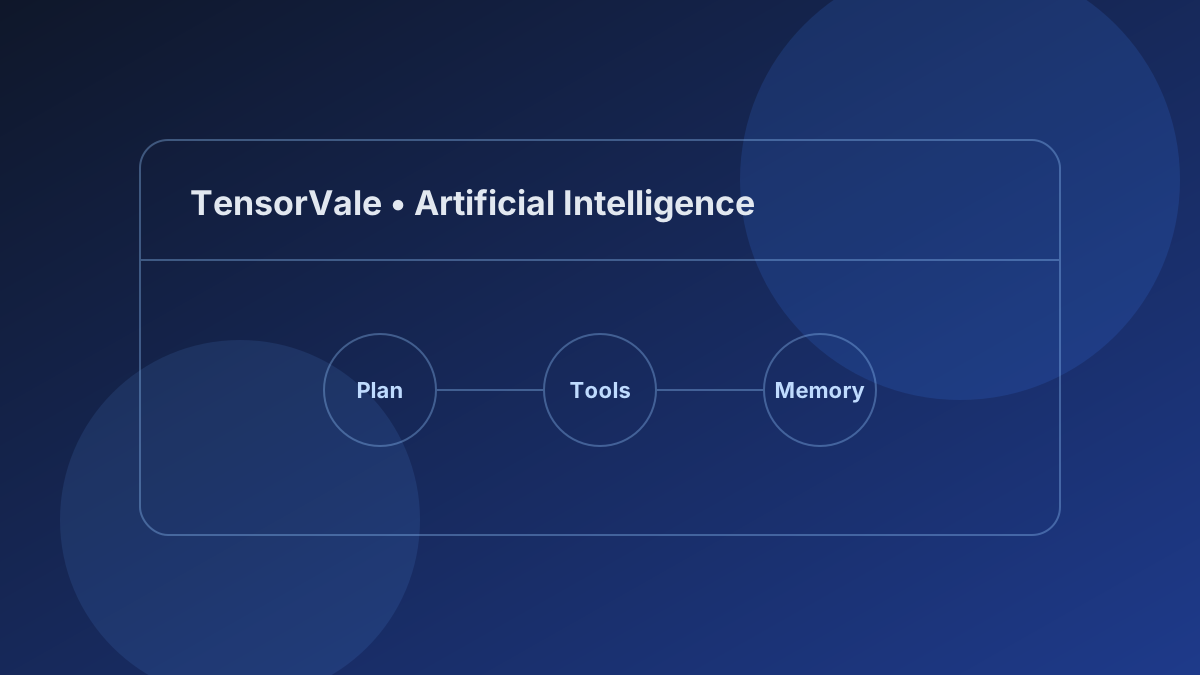
An AI agent is an application powered by a Large Language Model (LLM) that can plan steps, call external tools, observe results, and iterate until a goal is achieved—rather than only replying to a single prompt.
Chatbot vs. AI Agent
| Feature | Standard Chatbot | AI Agent |
|---|---|---|
| Execution | Single prompt -> single reply | Multi-step loop (Think -> Act -> Observe) |
| External Actions | Text generation only | Calls APIs, reads files, runs code, searches web |
| State | Conversation history only | Short-term working state + long-term memory |
| Error Recovery | Stops and asks the user | Inspects errors and retries or adjusts plan |
The 3 Core Building Blocks of an AI Agent
1. Planning & Reasoning
Before acting, an agent breaks a broad goal (for example, "summarize yesterday's server errors and open a ticket") into smaller steps. Modern models use structured reasoning or chain-of-thought loops to decide which action comes next.
2. Tool Use (Function Calling)
An LLM by itself cannot check live weather, query a database, or run terminal commands. Tool calling gives the model a JSON schema of available functions—such as searchDocs(query) or readFile(path)—and lets the host runtime execute them and feed the output back to the model.
3. Memory (Short-Term & Long-Term)
- Short-term memory: The active context window holding the user's goal, previous tool outputs, and intermediate steps.
- Long-term memory: External storage (such as vector databases, SQLite, or Markdown knowledge files) retrieved when relevant across sessions.
The Agent Loop in Practice
Every agent runtime follows the same fundamental cycle:
- Observe: Read the user request and current context.
- Reason: Decide whether to answer directly or call a tool.
- Act: Execute the chosen tool with structured arguments.
- Reflect: Inspect the tool result. If the task isn't finished, repeat from step 2.
When You Should (and Shouldn't) Use an AI Agent
- Use an agent when tasks require dynamic branching, multi-step lookups, or interacting with external systems.
- Use a simple prompt or workflow when the steps are fixed and predictable—agents add latency and token cost when a deterministic script works better.
Want to run models yourself without API bills? Check out our guide on How to Run Local AI Models on Your Laptop for Free.